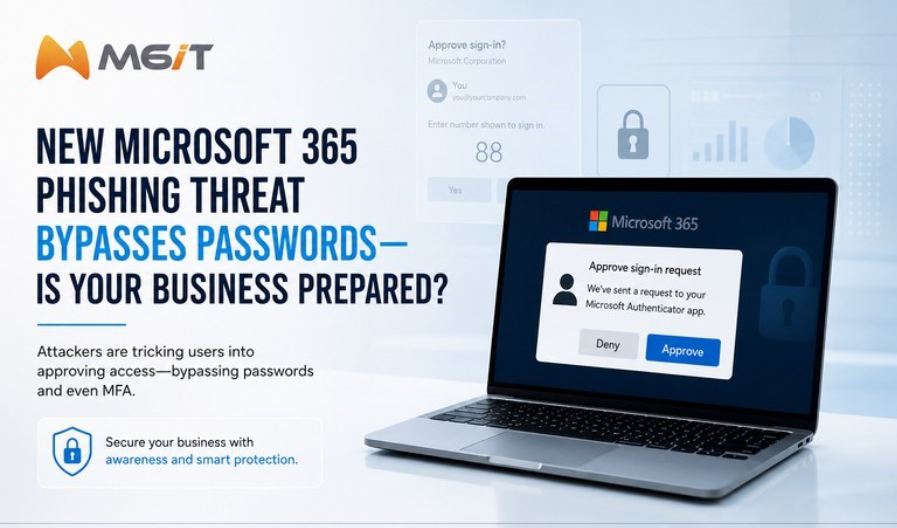
⚠️ Microsoft 365 Phishing Alert: Don’t Approve Unexpected Device Codes
The FBI has warned organizations about Kali365, a phishing-as-a-service platform that abuses Microsoft’s legitimate device sign-in process. Instead of stealing passwords, attackers trick users into approving access through a real Microsoft authentication page, even when Multi-Factor Authentication is enabled.
For businesses that rely on Outlook, Teams, OneDrive, and SharePoint, one careless approval can open the door to email, files, chats, invoices, and sensitive business data.
✅ How the Attack Works
Attackers send a message that looks like a document, voicemail, invoice, or shared file notification. The user is then asked to enter a device code on Microsoft’s real verification page.
If the user approves it, the attacker receives access tokens and may be able to enter Microsoft 365 without ever knowing the user’s password.
Common signs to watch for:
- Unexpected document, voicemail, or invoice notifications
- Requests to enter a Microsoft device code
- Prompts to approve a sign-in you did not start
- Access requests that feel urgent or unusual
✅ How to Protect Your Organization
Protection starts with awareness and layered security. Focus on a few practical habits that reduce risk immediately.
- Never approve a device code or sign-in request you did not personally start.
- Avoid links in suspicious emails or chats; go directly to your trusted Microsoft 365 portal.
- Review recent sign-ins, connected devices, active sessions, and third-party app permissions.
- Keep MFA enabled and pair it with Conditional Access and monitoring.
- Train employees to spot fake file shares, urgent requests, and social engineering tactics.
✅ Quick Action Tip
If you receive a Microsoft authentication request or device code you did not initiate, do not approve it.
- Decline the request
- Report it to IT
- Change your password if you accidentally approved it
- Ask IT to revoke active sessions immediately
✅ How M6iT Can Help
M6iT helps businesses strengthen Microsoft 365 security with practical controls, user training, monitoring, and ongoing support.
- Microsoft 365 security assessments
- MFA and Conditional Access configuration
- Endpoint protection and monitoring
- Security awareness training
- Backup, disaster recovery, and risk management
Cyber threats are evolving, but the right mix of security tools, monitoring, and employee awareness can significantly reduce risk.
Working Together to Stay Protected
As an existing M6iT client, your security is part of a shared responsibility. These threats do not stop at one inbox, one company, or one network. When we stay alert and communicate quickly, we help protect each other, our systems, and the clients and partners we support.
If you receive a suspicious Microsoft sign-in request, device code prompt, file share, invoice, or message, please do not approve it or interact with it. Report it right away so M6iT can help review the activity, protect your environment, and reduce risk across our shared network of clients.
Was this article helpful?
That’s Great!
Thank you for your feedback
Sorry! We couldn't be helpful
Thank you for your feedback
Feedback sent
We appreciate your effort and will try to fix the article